Mailboxes and delivery
Create and manage mailboxes, review storage use, set forwarding and configure automatic replies.

Business communications
Use your own domain for email, manage mailboxes and give your team a consistent webmail experience.
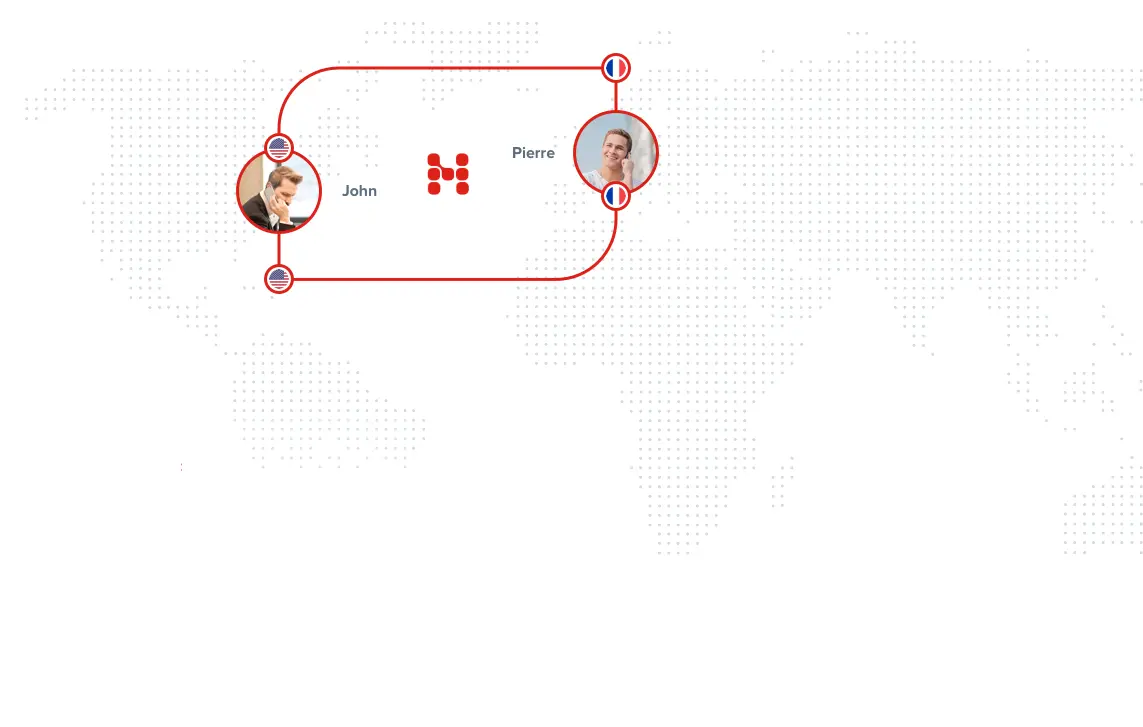
Give each person a mailbox on your own domain. Standard plans include 10 GB per mailbox, with mailbox administration, aliases, forwarding and automatic replies in the customer portal.
| Plan | Mailboxes | Storage per mailbox | Monthly | Setup |
|---|---|---|---|---|
| Solo | 2 | 10 GB | $4.99 | $0.00 |
| Family | 5 | 10 GB | $9.99 | $0.00 |
| SoHo | 10 | 10 GB | $19.99 | $0.00 |
| Corporate | 100 | 10 GB | $199.99 | $0.00 |
Choose a plan for the domain you will host. The portal shows your account’s available plans and the amount due before you subscribe.
Choose a plan and enter the domain you control. Verify ownership with the DNS TXT record shown in the portal.
Create the mailboxes your team needs and review the DNS records shown for your service.
Copy existing messages through IMAP migration, then check the new mailboxes before changing mail delivery.
Test sending and receiving, connect mail clients and keep the old service available until the migration is complete.
You need access to your domain’s DNS and to the source mailboxes you want to migrate. Changing DNS alone does not copy existing email.
Read the IMAP migration guideCreate and manage mailboxes, review storage use, set forwarding and configure automatic replies.
Manage additional addresses and mailing-list subscribers. Control whether a list accepts messages from non-subscribers.
Use your company logo and a webmail domain under your own name. Domain and certificate setup must be completed before that address is ready for users.
Webmail branding guideProviding email to your own customers? Discuss mailbox volumes, branding and support responsibilities with our team.